GRIDCUE
GRIDCUE
Explore GridCue’s grid editing, saved window layouts, menu-bar controls and shortcuts. The direct-download edition for macOS 14 or later and its 14-day trial are being prepared.
FOR MACOS
Original product / macOS app / Grid editing & window management
A Mac app for saving and restoring grids and window layouts. Recall a layout from the menu bar or a shortcut to suit the task. Preparing for release.
GRIDCUE
BUILD A WORKSPACE
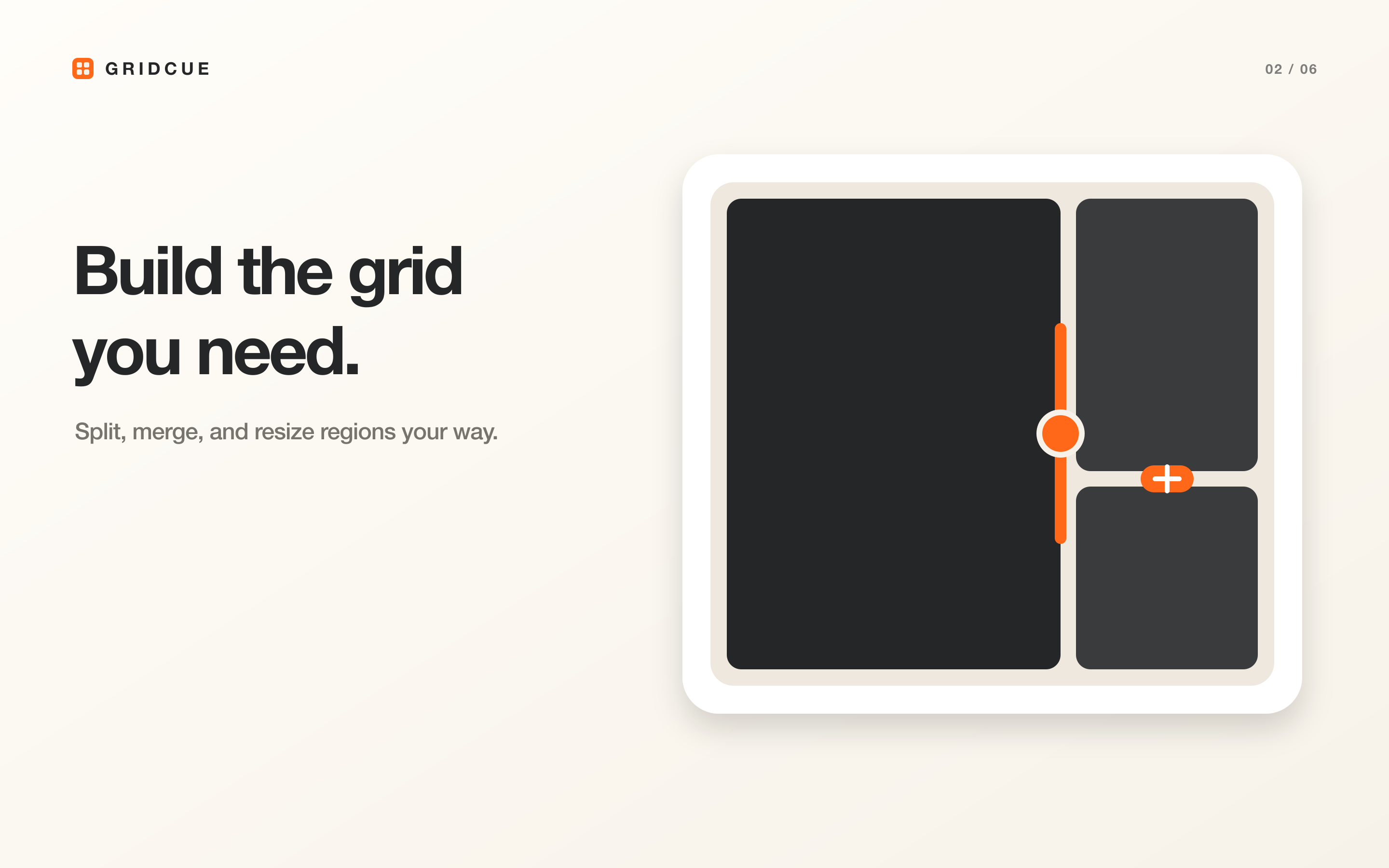
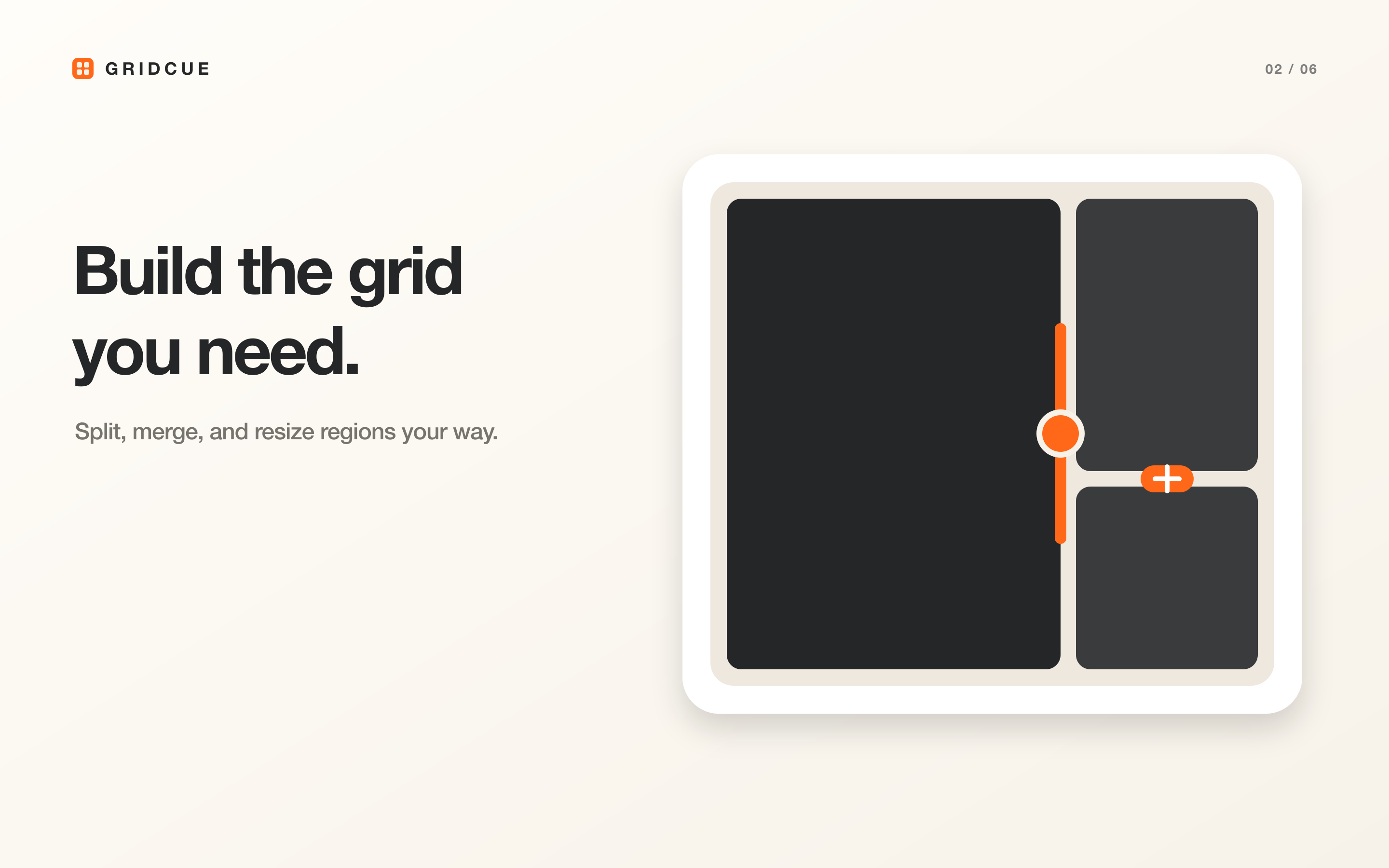
Go beyond equal halves and quarters. Build a grid around the apps and displays you use every day.



PROCESS
BUILD. SAVE. RESTORE.
BUILD A GRID
Choose a built-in grid or edit the regions to fit your work.
SAVE THE ARRANGEMENT
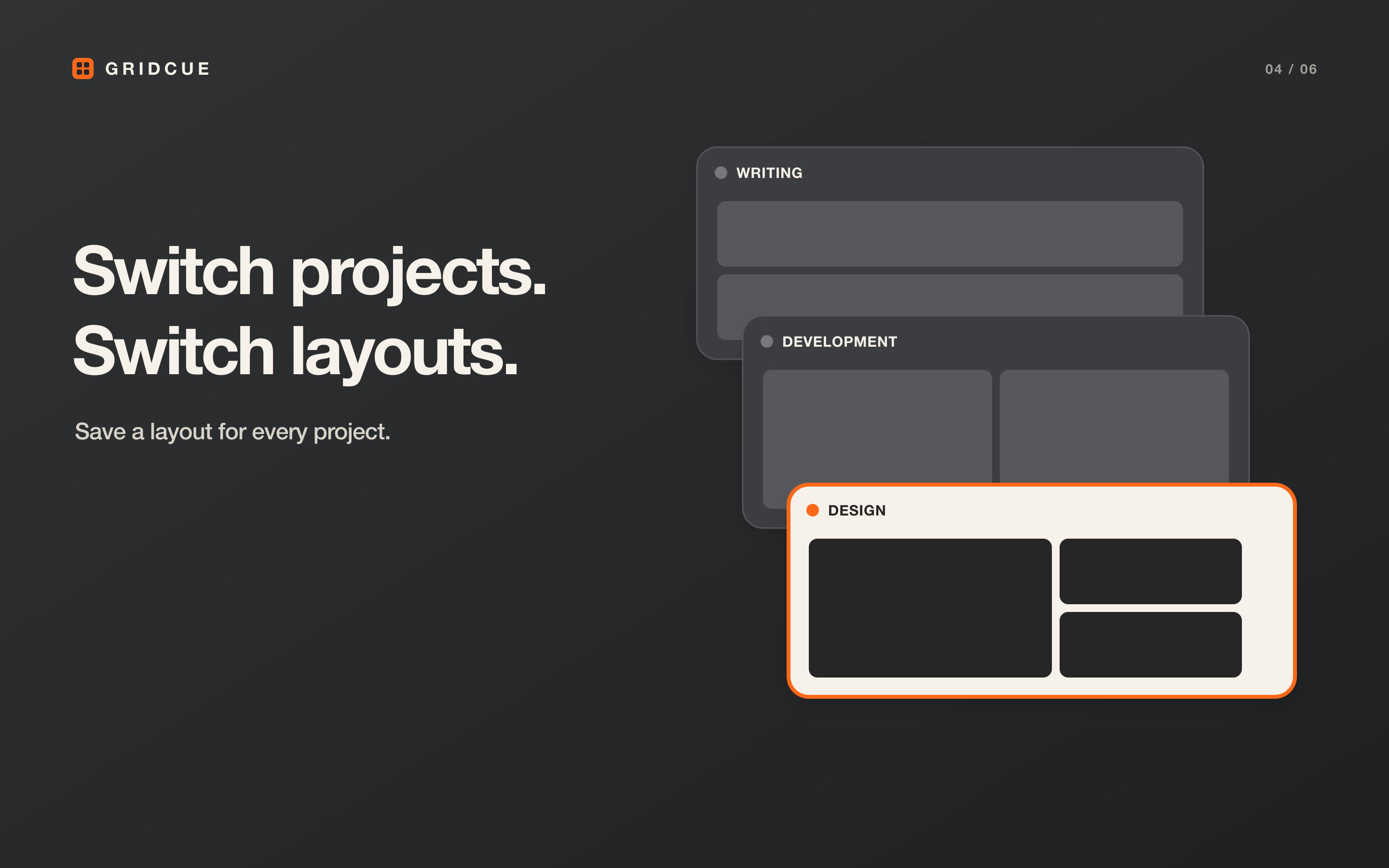
Record the open windows as a layout inside a project.
RESTORE WHEN NEEDED
Bring the saved layout back from the menu bar or a keyboard shortcut.
PREPARING FOR RELEASE
Direct download coming soon
A 14-day, full-feature trial without a credit card, followed by a one-time license for up to three personal Macs. Available in English and Japanese. The download and checkout are being prepared.
About the studio project