Web service
Fortune
Send a short anonymous message to one person somewhere in the world. Add a song if you like, or tap a heart to return a thank-you card for a message you receive. We conceive, design, develop, and run the service.
View detailsConstruction & town-building simulation
A little town grows with every tap.
Original game | Concept, UI/UX, design, development
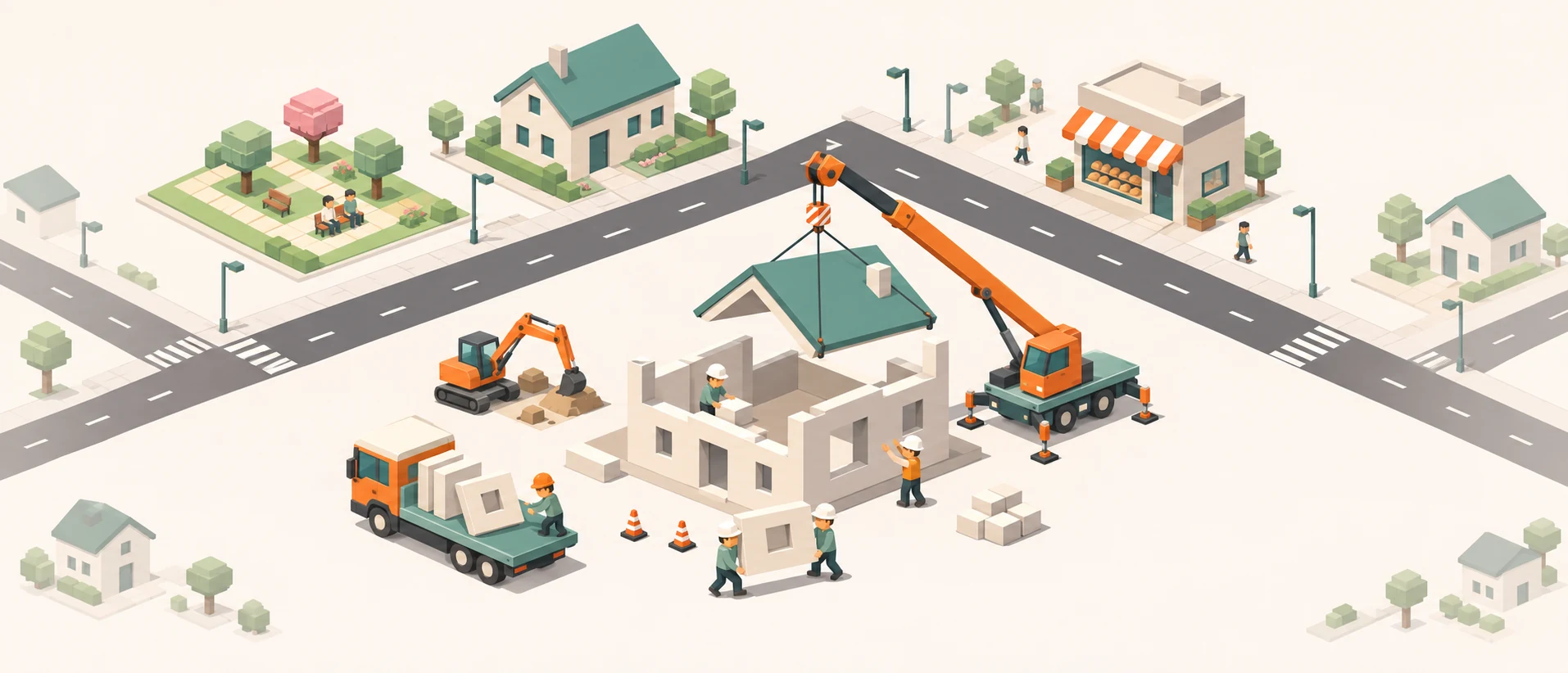
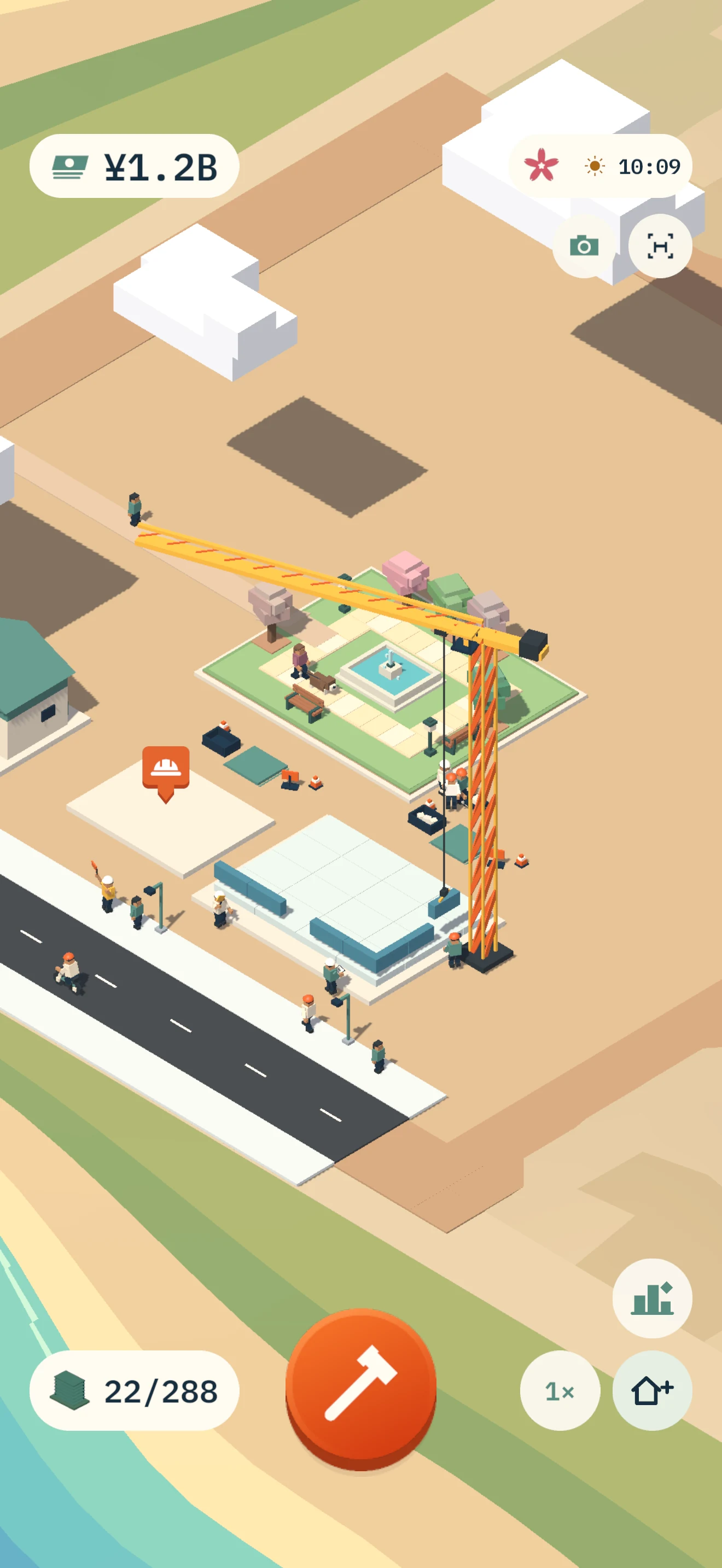
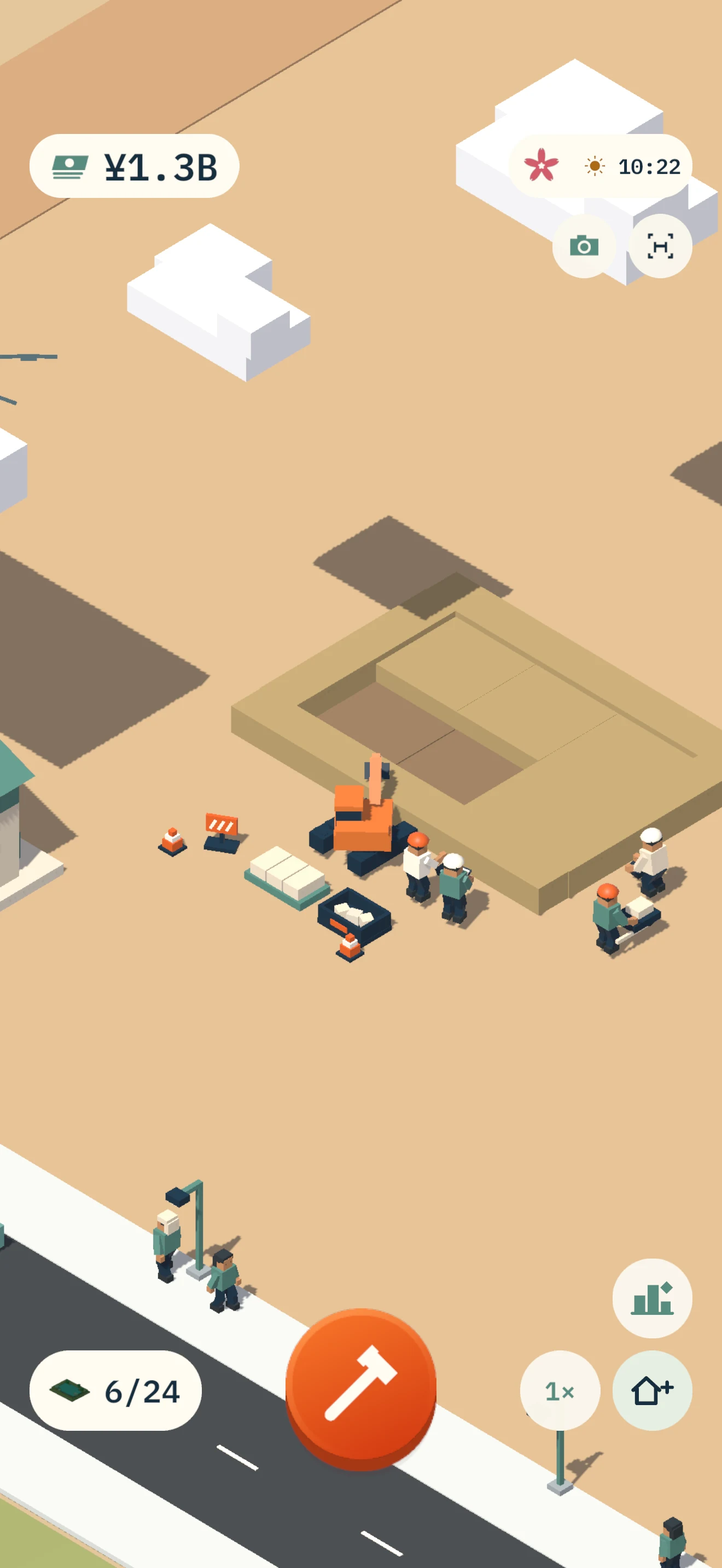
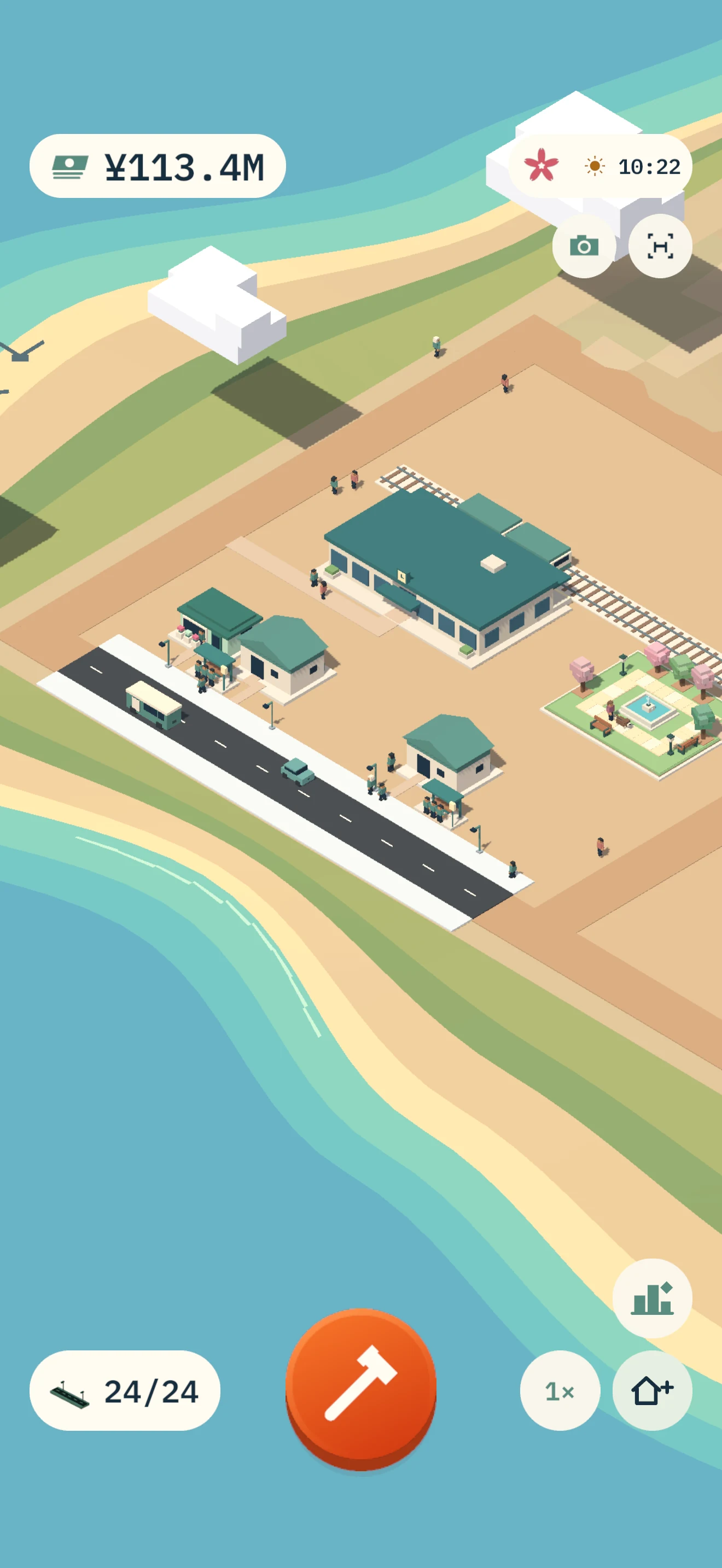
Tap to raise construction funds, and the crew and machines get to work. Trucks deliver materials, excavators dig the ground, and cranes lift parts into place as buildings take shape. We wanted the construction process itself to be a pleasure to watch.
Choose where buildings go and which way they face to arrange a town of your own. Switch to Auto and let the game handle building plans, construction funds and district expansion while you watch the town grow.
We designed a simple UI with children and adults in mind, whatever their country or language. By giving information and actions clear priorities, we aim to let people discover how to play through looking and interacting, without relying too much on written explanations.
Changes in the budget and the crew's movements show the results of your actions and the progress of construction. We care about making the connection between your taps and the changing town easy to see.
Invite your family to take turns building one town from your own devices. Add a shop beside a station someone has built, or bring a park into a residential neighborhood as you grow the town together.
Your personal town is saved separately from the family town. Sharing a family town requires iCloud and an internet connection.
Build homes, bakeries, castles, amusement parks, stations, airports, ports and more. There are 52 blueprints, including roads and greenery, and room to expand your island across up to 25 districts. Different projects call for different construction methods and machines, giving you a variety of sites to watch.
Buses and trains travel through the finished town, and ships arrive at the port. People wait for buses, dogs walk in the park, and everyday life continues throughout the town. We create these movements of people and vehicles to give you something to keep watching after construction is complete.
The town's scenery changes with the time of day and the seasons. Windows light up at dusk, leaves turn in autumn, and snow settles in winter. People carry umbrellas on rainy days, and decorations appear for Halloween, Christmas and New Year.
The town can also experience earthquakes, storms, tsunamis and fires. You can turn disaster recovery mode, which allows buildings to be damaged, on or off. When you request repairs, the crew clears rubble, puts up scaffolding and restores the buildings.
TSUMIMACHI supports iPhone, iPad and Mac. On Mac, you can hide the controls and game audio and let the town run as your desktop background. Watch it while you work, then return to the game from the menu bar when you want to play. Save a favorite view as a picture without the controls.
MORE PROJECTS
Send a short anonymous message to one person somewhere in the world. Add a song if you like, or tap a heart to return a thank-you card for a message you receive. We conceive, design, develop, and run the service.
View detailsA virtual band crossing metal, electronic music, and pop within a cyberpunk world. AI-assisted music and visual production extends into film, the website, and social channels.
View detailsA physics puzzle about guiding a ball by shaping fabric. Wordless UI, responsive cloth and ball movement, small sounds and soft light come together in a quiet experience.
View detailsA Mac app for saving and restoring grids and window layouts. Recall a layout from the menu bar or a shortcut to suit the task. Preparing for release.
View detailsCONTACT
A new web service or app, interface or product design, or a question about design strategy. Get in touch, even at the idea stage.